Pickup and destination
Set both points through the taxi map and route controls.
Taxi service
Choose pickup and destination on the map, review the displayed ride context, and follow the request state in the app.
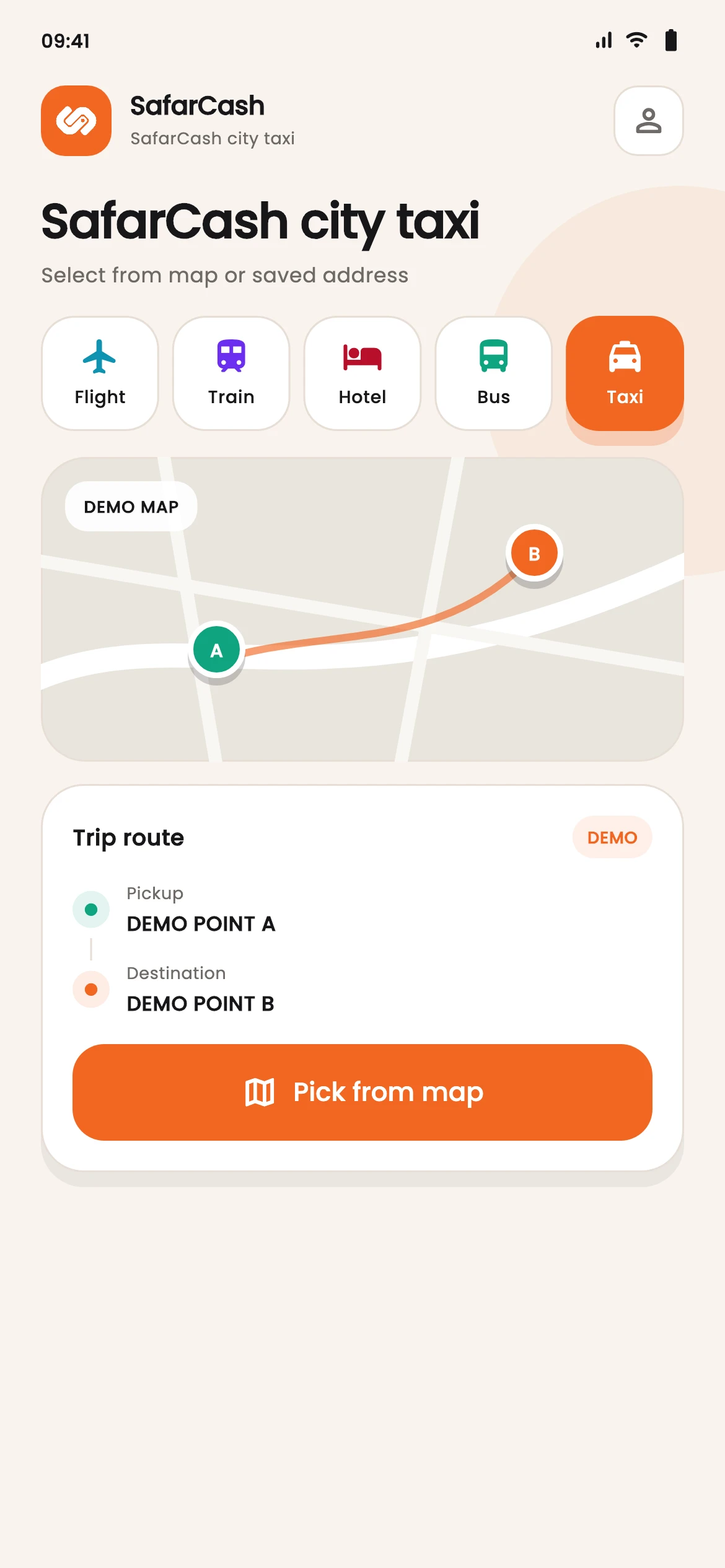
Set both points through the taxi map and route controls.
Review the amount and ride information displayed before sending a request.
Follow the request and ride status presented by the taxi flow.
Choose where the ride starts and where it should end.
Check the displayed route and fare context.
See request and ride status updates in the app flow.
Taxi service
Pickup, destination, fare context, and status stay together without adding unverified tracking claims.